LabFree · no sign-up

Your face is the password.

Face Unlock. Lock and unlock Ubuntu with your face.

View the code ↗
Source on GitHub ↗
face-unlock
Face Unlock preview
Why it exists

01PROBLEM

Locking your laptop every time you step away is easy to forget.

02SOLUTION

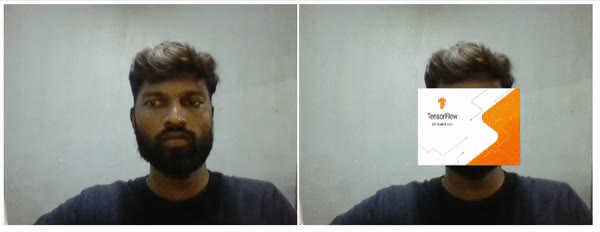
OpenCV face recognition that locks Ubuntu when you leave and unlocks it when you return.

03VALUE

A fun, practical intro to on-device face recognition.

Screenshots

The story

How to use it

  1. Capture your face to build a small dataset.
  2. Train the recogniser.
  3. Let it lock Ubuntu when you leave and unlock when you return.

How it's built

Python and OpenCV with the face-recognition library, plus a few scripts that control the Ubuntu screensaver.

Why it matters for businesses

It's a simple, practical look at on-device face recognition, the same building block behind secure, hands-free access.

In real life

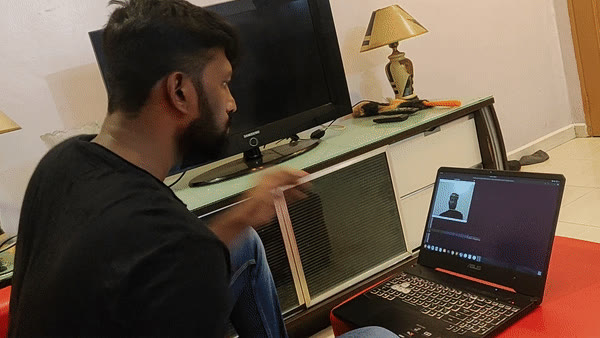
Step away from your desk and the screen locks itself; sit back down and it opens.
Under the hood

How it's built.

// face-unlock · Lab
export const faceUnlock = {
stack: ["Python", "OpenCV", "face-recognition"],
audience: ["Linux users", "CV learners"],
status: "lab", price: 0
}
Shape what's next

Feature requests.

No requests for Face Unlock yet. Be the first!

Chat with Bala